Perilune Opto Compressor
Optical compressor VST3 plugin for Windows
Gain and peak reduction. Turn one up until it sounds right.
One-time purchase with lifetime updates. Up to 3 computers. Free 14-day trial.
Or get all three plugins for $49. See the bundle
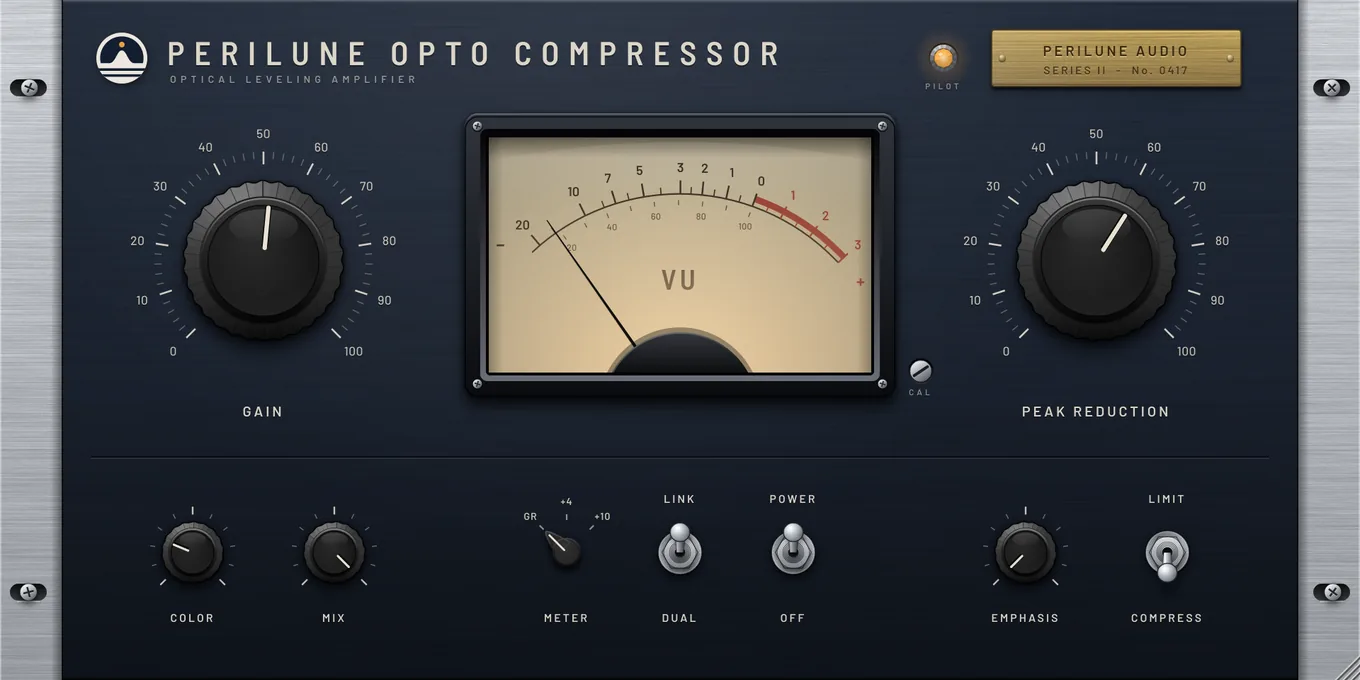 GainSets the output level after compression.VU meterShows gain reduction or output level, chosen with the Meter switch.Peak reductionHow hard it compresses. Turn it up until the level settles.Color and mixHarmonic color, and a dry/wet blend for parallel compression.Meter, link and powerChoose what the meter reads and whether stereo channels move together.Emphasis and limitTilt the detector toward the highs, and switch between compress and limit.
Inside Perilune Opto Compressor
Select a numbered marker on the screenshot, or read through the notes below.
Gain
Sets the output level after compression.
VU meter
Shows gain reduction or output level, chosen with the Meter switch.
Peak reduction
How hard it compresses. Turn it up until the level settles.
Color and mix
Harmonic color, and a dry/wet blend for parallel compression.
Meter, link and power
Choose what the meter reads and whether stereo channels move together.
Emphasis and limit
Tilt the detector toward the highs, and switch between compress and limit.
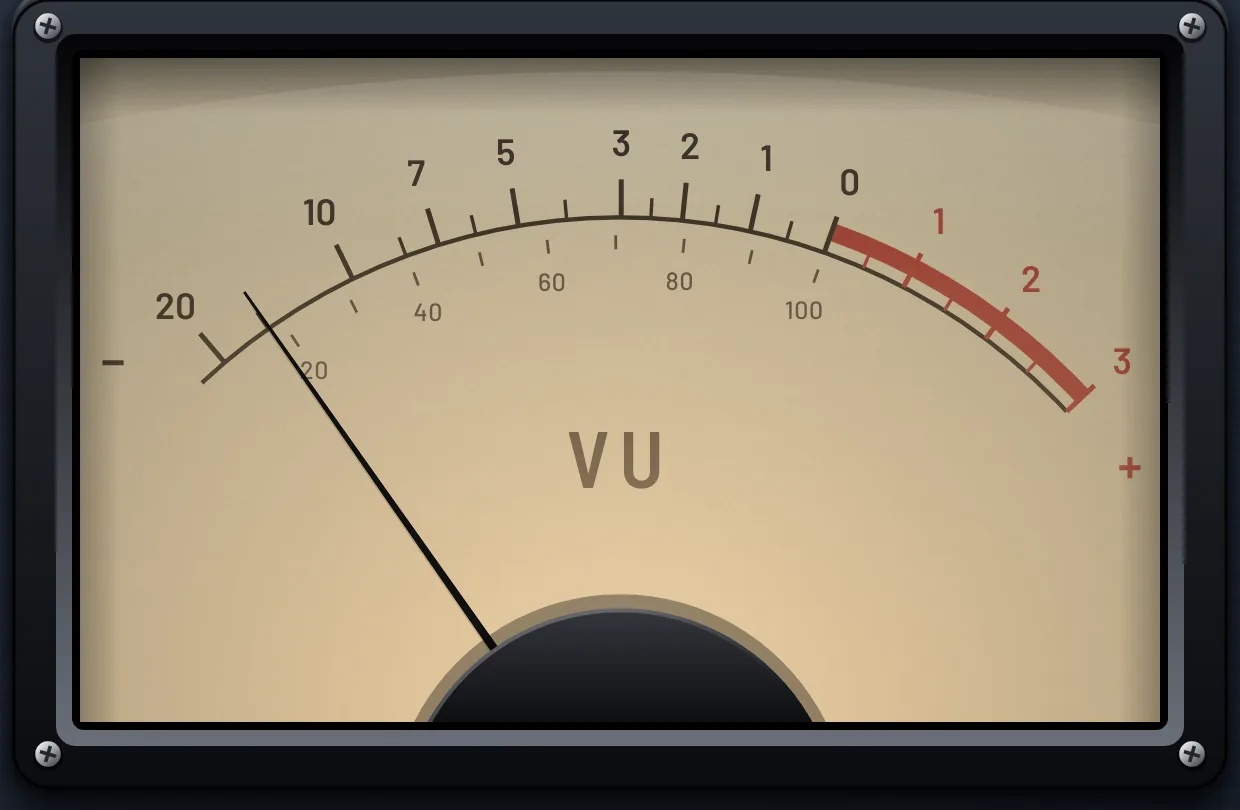
Up close: the VU meter and controls


Opto compressor features: leveling, VU metering and parallel mix
A leveler in the optical style: slow, smooth and forgiving, the way you'd ride a fader by hand. Two big controls do the work, with color, parallel mix and sidechain emphasis below when you want more.
Gain and peak reduction
The two controls that matter, large enough to set by eye.
VU metering
Read gain reduction or output level at +4 or +10.
Compress or limit
A gentle ratio for leveling, a firmer one for catching peaks.
Emphasis
Make the compressor listen harder to the top end, so bright sources don't jump out.
Color and mix
Add harmonic color, and blend in the dry signal for parallel compression.
Linked or dual
Treat a stereo source as one, or let each side work on its own.
System requirements
Perilune Opto Compressor runs in any Windows DAW that loads VST3 plugins. Try it free for 14 days before you buy.
| Format | VST3 |
|---|---|
| System | Windows 10 or later, 64-bit |
| Hosts | Any Windows DAW that loads VST3 plugins |
| License | One license, up to 3 of your computers |
| Version | 1.0.1 |
Try it free for 14 days.
The trial is the full plugin. After 14 days it stops processing audio until you enter a license key. No account or card needed.